In the world of server administration and backend development, the ability to schedule tasks is crucial. Whether it's daily backups, sending weekly newsletters, or clearing out temporary files every hour, Cron is the industry-standard tool for the job.
However, for many developers, the "cryptic" 5-character syntax of a Cron expression can be intimidating. This guide breaks down the syntax, explains the logic, and shows you how to use our visual builder to create expressions without the headache.
What is a Cron Expression?
A Cron expression is a string consisting of five fields (or sometimes six) separated by white space. It represents a schedule for a command to run periodically on Unix-like operating systems. These expressions are stored in a file called a crontab (cron table).
The 5-Field Syntax
The standard Cron format consists of five fields in a specific order. If you get the order wrong, your script might run at 4 AM instead of 4 PM!
| Field | Required | Value Range | Special Characters |
|---|---|---|---|
| Minute | Yes | 0 - 59 | * , - / |
| Hour | Yes | 0 - 23 | * , - / |
| Day of Month | Yes | 1 - 31 | * , - / L W |
| Month | Yes | 1 - 12 (or JAN-DEC) | * , - / |
| Day of Week | Yes | 0 - 6 (or SUN-SAT) | * , - / L # |
Special Characters Explained
To build complex schedules, you need to use specific operators:
- The Asterisk (*): Represents "all values". A `*` in the Minute field means "every minute".
- The Comma (,): Specifies a list of values. `1,15,30` means the task runs at the 1st, 15th, and 30th minute.
- The Hyphen (-): Defines a range. `1-5` in the Hour field means every hour from 1 AM to 5 AM.
- The Slash (/): Denotes increments. `*/15` in the Minute field means "every 15 minutes".
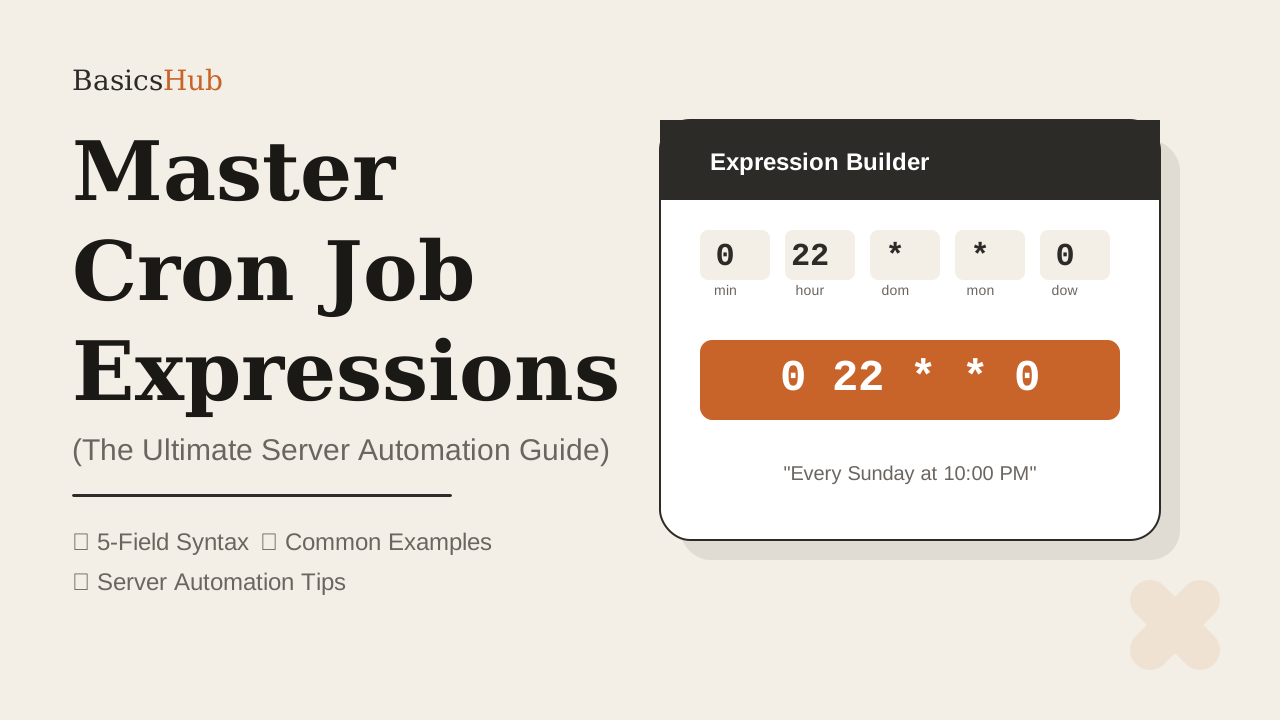
Visual input fields, instant English translation, and one-click copy. Build your Cron string in seconds.
Open Cron Builder →Common Practical Examples
Here are the most common schedules used by developers every day:
1. Every Night at Midnight
Perfect for database maintenance or generating daily reports when server traffic is low.
2. Every 15 Minutes
Used for polling APIs, checking for new emails, or updating social media feeds.
3. Every Monday Morning at 8 AM
Ideal for sending "Monday Motivation" emails or starting a new weekly sprint cycle.
4. Twice a Day (Noon and Midnight)
Good for mid-day backups or syncing data between distributed servers.
Tips for Successful Automation
- Check Your Server Timezone: Most servers operate in UTC. Make sure your expression accounts for the offset if your target audience is in a specific region like IST.
- Use Absolute Paths: When writing crontab entries, always use full paths (e.g., `/usr/bin/python3`) because cron doesn't load your user profile's environment variables.
- Log Everything: Redirect output to a log file so you can debug if a task fails: `* * * * * /cmd >> /var/log/cron.log 2>&1`.
Summary
Cron expressions don't have to be a mystery. Once you understand the 5-field grid, you can schedule almost anything. For high-stakes production environments, always verify your string using a tool like our BasicsHub Cron Builder before deploying.