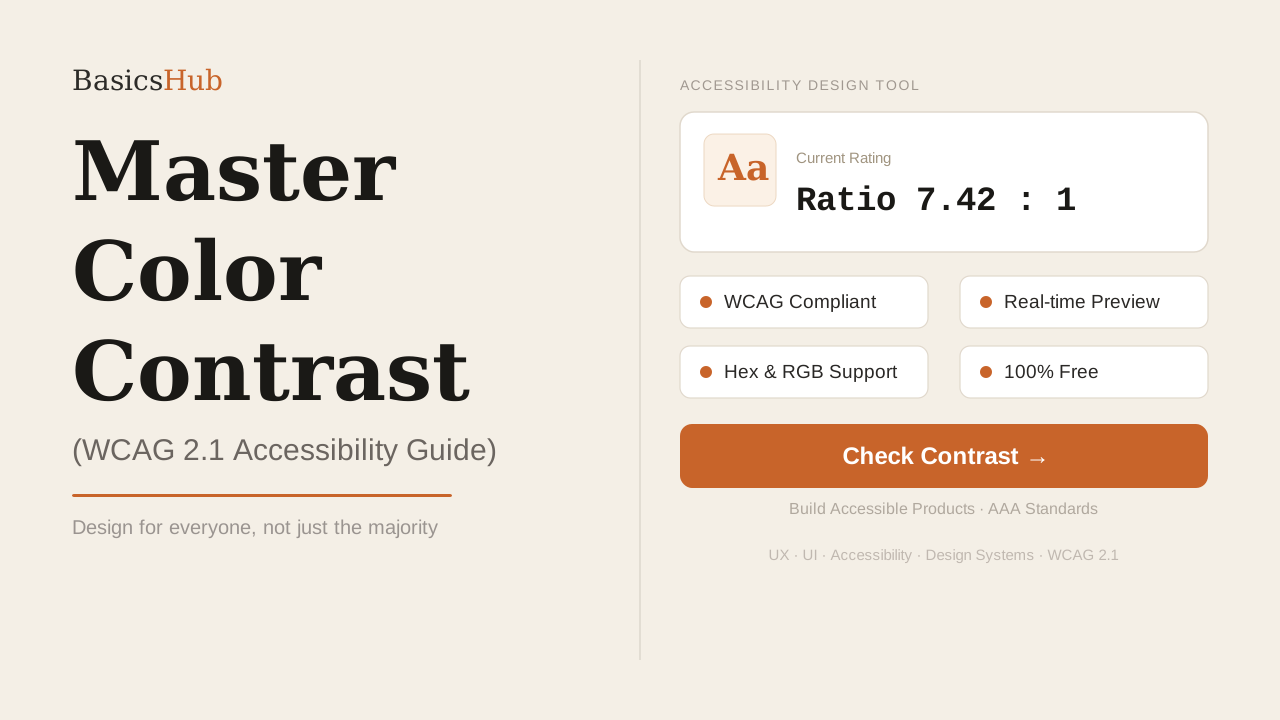
Design is not just about aesthetics; it is about communication. If your users cannot distinguish your text from your background, your message is lost. This is where color contrast becomes the most critical element of accessible design.
Web accessibility is no longer optional — it is a legal requirement in many jurisdictions and a moral one globally. Understanding the WCAG (Web Content Accessibility Guidelines) is the first step toward building products that everyone can use, regardless of their visual abilities.
Test Your Colors Instantly
Ensure your background and text pairings meet the latest accessibility standards before you ship.
Open Contrast Checker →What is the WCAG 2.1 Standard?
The W3C established the Web Content Accessibility Guidelines (WCAG) to provide a single, shared standard for web content. When it comes to color, there are two primary levels of compliance you should aim for:
- Level AA (Minimum): Requires a contrast ratio of at least 4.5:1 for normal text and 3:1 for large text (18pt or bold 14pt).
- Level AAA (Enhanced): Requires a contrast ratio of at least 7:1 for normal text and 4.5:1 for large text.
While AA is the standard legal requirement for most websites, AAA is the gold standard for high-readability interfaces used by government agencies and healthcare providers.
Why Contrast Matters Beyond Accessibility
High contrast isn't just for users with permanent visual impairments like color blindness. It improves the experience for everyone in "situational" disabilities, such as:
- Outdoor Use: Trying to read a low-contrast screen in bright sunlight.
- Low Quality Displays: Users on older or cheaper monitors with poor color reproduction.
- Eye Strain: High-quality contrast reduces cognitive load and allows users to scan information faster.
Design Tips for Better Contrast
- Don't rely on color alone: Use icons, underlined text, or patterns to convey meaning alongside color.
- Avoid pure black/white: Sometimes pure #000 on #FFF causes "halation" or eye strain. Try using very dark greys instead.
- Test early and often: Use tool like our Color Contrast Checker during the wireframing phase, not just at the end.
Free Accessibility Audit Tool
Input your Hex or RGB codes and get instant pass/fail results for both AA and AAA standards.
Calculate Contrast Ratio →